
Local CLI · by Andesprit
Label images.
Review the result.
Export COCO.
Bring your vision-capable agent. AnnoLabel gives it the tools to save image classifications, bounding boxes and segmentation polygons.
Python 3.11–3.14 · macOS, Linux and Windows · MIT code
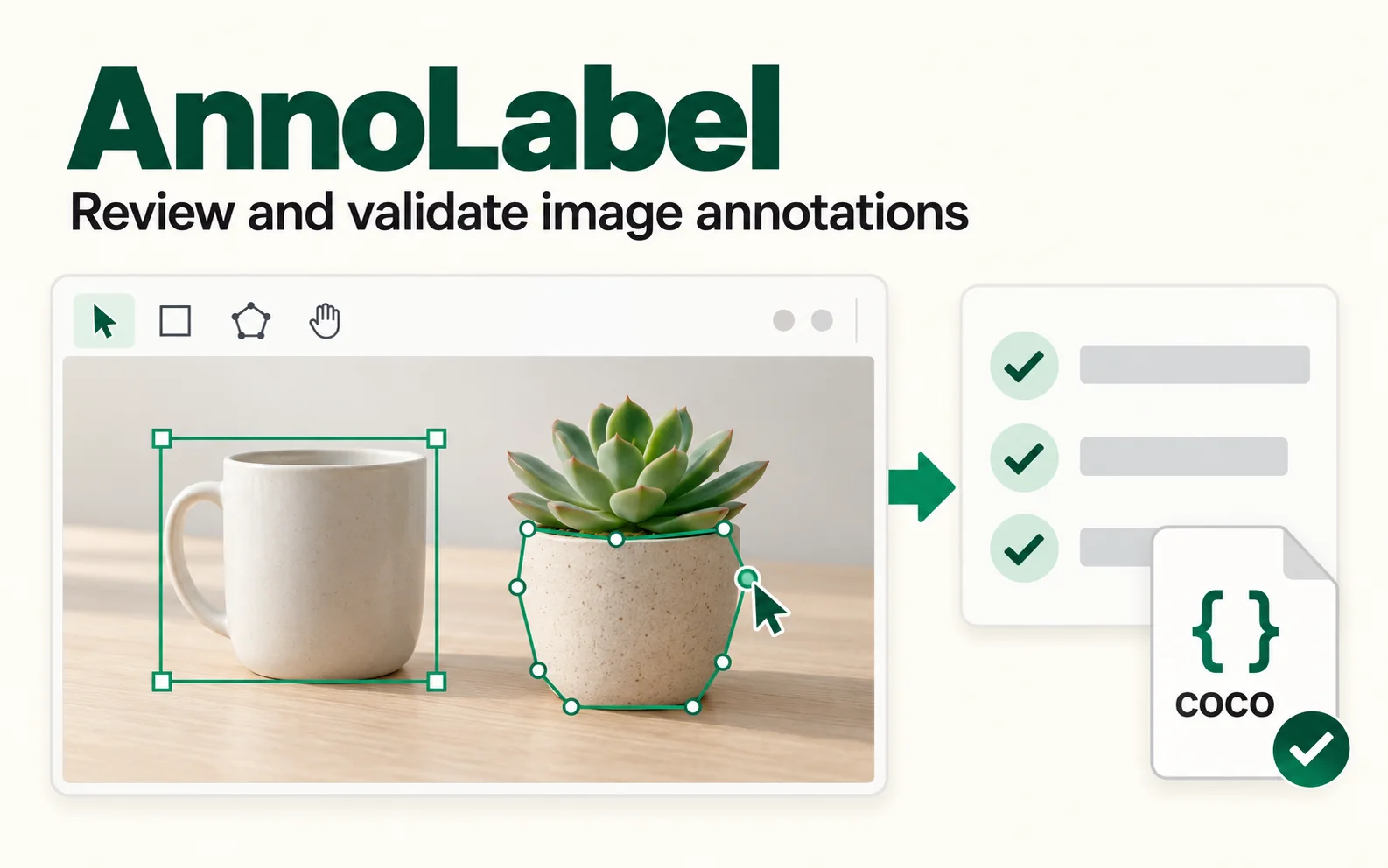
One image, one reviewable task
From an image to a dataset.
- 01
Prepare
Create a task with your image, labeling instructions and optional object categories.
- 02
Submit
Your agent opens the image and supplies a complete annotation snapshot. AnnoLabel checks the geometry and stores it.
- 03
Review
Open the annotated image. Check omissions, labels and outlines; use the next task handle for a correction when needed.
- 04
Export
Export COCO instances and oriented images, with scene classifications and provenance in separate files.
Get started
Install once.
Work locally.
With uv installed, get the CLI from PyPI. Your agent needs image viewing and shell access.
The CLI runs locally and makes no model calls. Any model service used by your agent depends on that agent’s setup.
Terminal
uv tool install annolabel
annolabel --help
Command not found? Run uv tool update-shell and restart your shell.
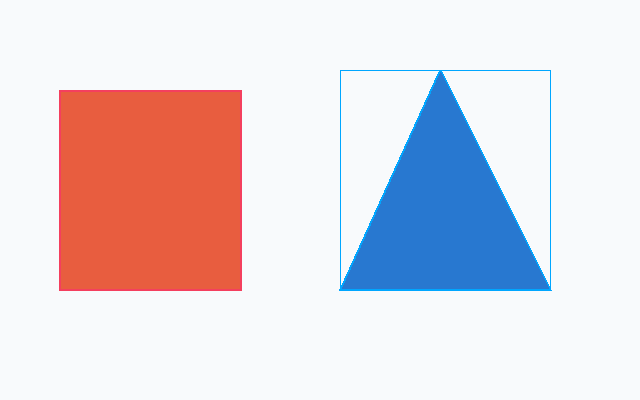
Try the included example
See the output before using an agent.
The repository includes an image, task instructions, categories and a complete submission. Run the example to inspect the review image and exported dataset.
Run the shapes exampleKnow the limits
Simple polygons are supported. Holes, multipart instances, video and keypoints are outside the current scope. Geometry validation does not establish visual accuracy; review remains necessary.